Start with the scene
The first image is the photo you want to change. Choose a shot with one clearly visible face and enough detail around the head. The composition, pose and background come from this image, although AI can alter details.
 SwapFaceHub
TWO PHOTOS · ONE STILL IMAGE
Keep the scene you like and try a different face. Add the photo to edit, then a clear portrait of the person whose face you want to use. Start with the available photo trial or use your existing account credits.
Add your photo and a source face to get started.
A real output from our photo tool, using a template demo portrait. Compare the facial features and edges; AI results vary with each pair of images.
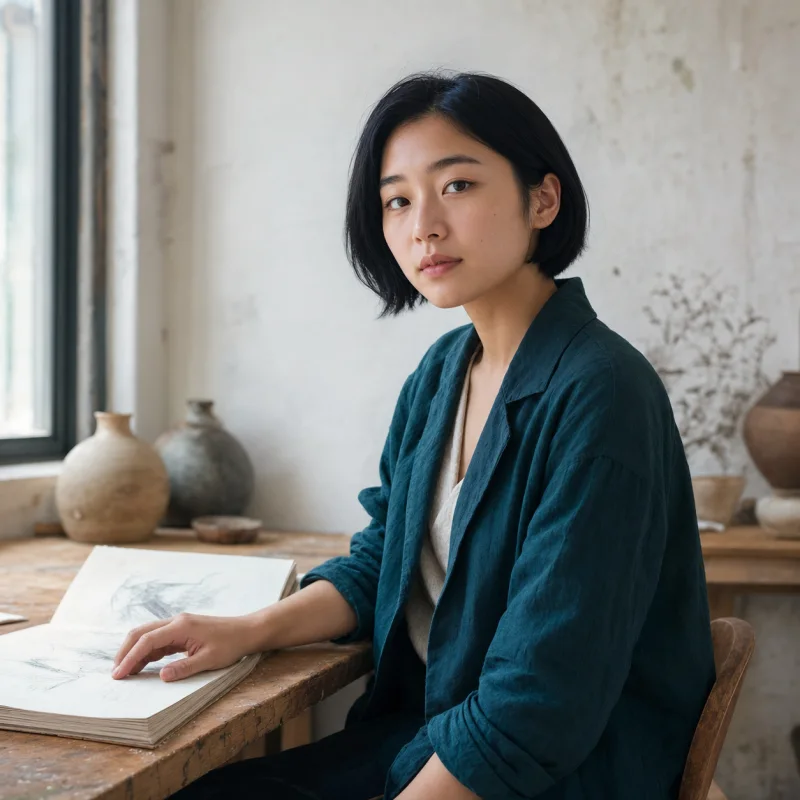

The first image is the photo you want to change. Choose a shot with one clearly visible face and enough detail around the head. The composition, pose and background come from this image, although AI can alter details.
The second image supplies the new face. Use one person, even lighting and a similar head angle to the scene photo. Avoid sunglasses, hands across the face and very small crops.
Check the usage shown by the tool before generating. Review the eyes, jaw, skin tone and hairline at full size, then download the result. If it looks wrong, improve one input before trying again.
A front-facing portrait is easier to compare with a front-facing scene than with a strong side profile. Match the direction of the head and light where possible. Enlarging a tiny face does not restore missing detail. A simpler background and a sharp face give you a clearer starting point.
This is a generative image edit, not a guaranteed pixel-for-pixel face replacement. Clothing, hair, hands or backgrounds can change. Use it for consensual creative edits and inspect the result before sharing. For motion, use the separate MP4 video tool; this page produces a still image and does not process animated GIFs.
Try MP4 video face swapUse photos you own or have permission to edit. Generation uploads images for external AI processing. Stored image links may be accessible to anyone who has them; read the privacy policy before using sensitive material.
How images are handledThe photo tool offers two no-sign-up attempts subject to device, network and daily capacity limits. The tool shows your available usage. Existing account credits can be used after the trial.
Use JPG, PNG or WebP photos, up to 5 MB per image. Use one scene photo and one clear replacement portrait. An animated GIF is not supported by this tool.
This published tool is intended for a single clear face. It does not offer person-by-person face assignment for group photos. Use a single-person image for a more predictable input.
Check that the two images are in the intended order. Try a sharper portrait with a head angle closer to the original. Remove obstructions and avoid extreme differences in lighting. Results vary; changing inputs is not a guarantee of a specific outcome.
Yes. The homepage and this page use the same photo tool, trial allowance and signed-in balance. Opening another page or language does not create a new allowance.